
WinOMania Casino Login
Get inside your account in minutes and start playing with instant access to all games.
Top WinOMania Casino Games






Full Game Catalog






You can be inside your WinOMania Casino account in less than two minutes if you follow the steps. Log in with the email and password you registered with, and apply the fixes below when something gets in the way. Every fix states who acts, you or support, and when you get access back.
How to Log In: Step-by-Step
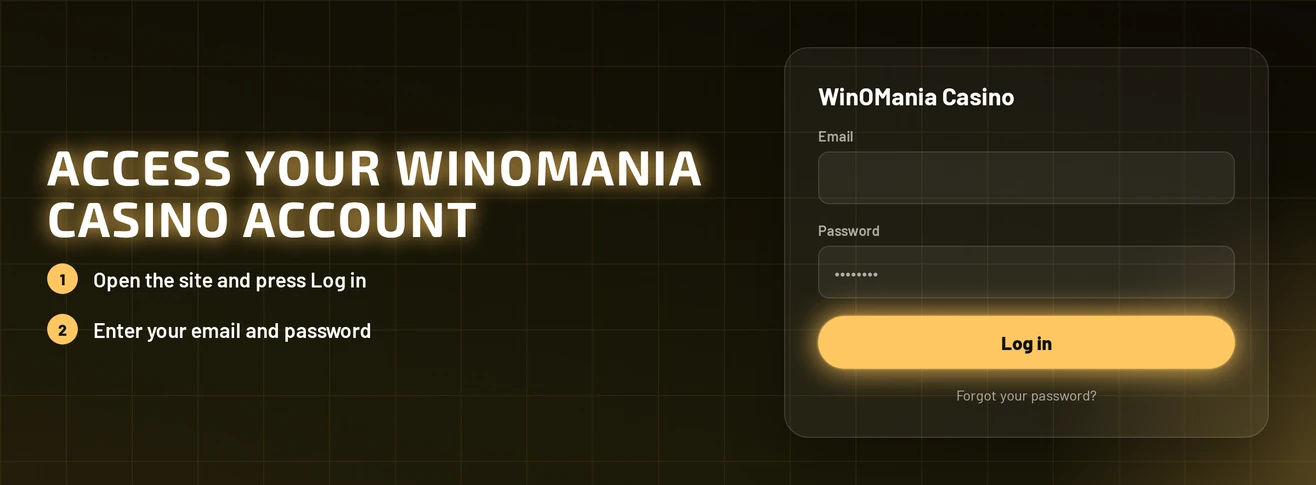
The email address you signed up with is your login. Your account is protected by your password and email confirmation.
Load the WinOMania Casino site in the browser on your phone or computer.
Hit the Log In button.
Type in the email address you registered and your password.
Send the form and your account lobby opens.
Before the first deposit, new accounts must verify their email. Find the verification message from WinOMania Casino, confirm your address, and your account is ready to fund.
Login Problems and Fixes
A mistyped password, an unverified email or old browser data explains most failed logins. Find your symptom in the table and apply the fix listed next to it.
| Problem | Likely Cause | Quick Fix |
|---|---|---|
| Wrong password message | Typing error or an old password | Reset your password |
| Email not recognised | Different address from registration | Try the other email addresses you may have used at sign-up |
| Page freezes or reloads in a loop | Old cookies or cached data | Clear cookies and cache |
| Cannot deposit after first login | Email not yet verified | Confirm the verification email |
| Account blocked during an exclusion | Self-exclusion, time-out or GAMSTOP | Wait until the chosen period ends |
| Login stops at a verification step | KYC check pending | Complete the pending check |
To clear cookies and cache:
- Go to your browser settings and locate the privacy or browsing data section.
- Tick cookies and cached files.
- Delete them, then close all WinOMania Casino tabs.
- Load the site again and sign in.
- Should the issue persist, open a private window or switch to another browser.
How to Reset Your Password
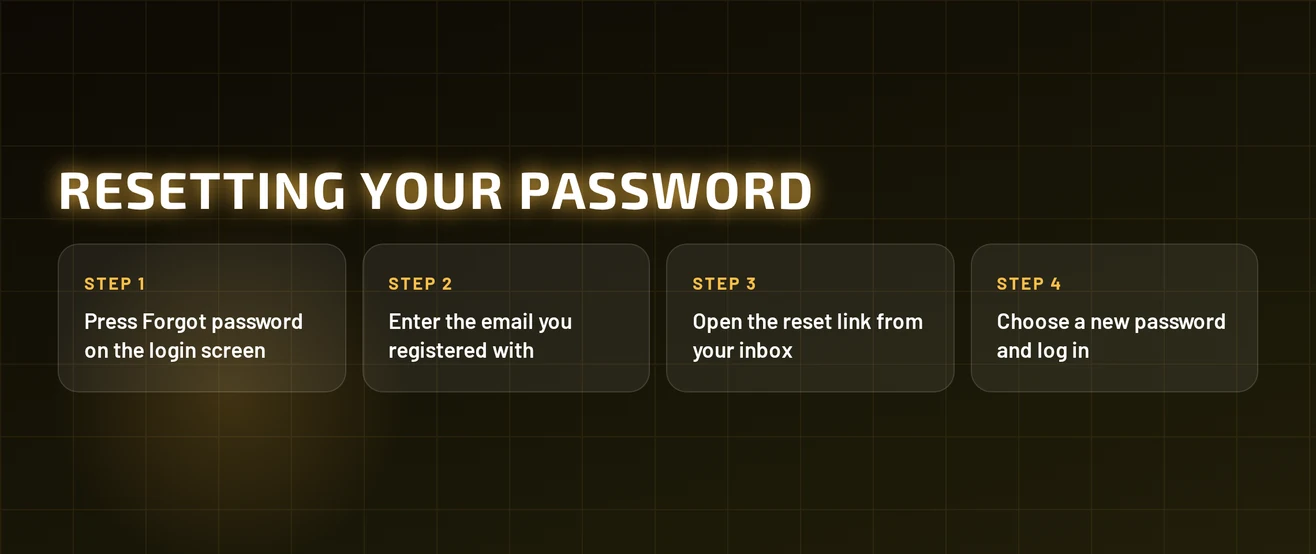
You handle the entire reset yourself, with the email address registered to your account.
- Press Log In and choose the forgot password link.
- Provide the email address you registered.
- Find the reset email and click the link it contains.
- Set a new password that no other site uses.
- Go back to the login form and use your new password to sign in.
No email in your inbox? Look in the spam folder and confirm you entered the address you signed up with. If it is still missing, reach support by live chat or email and state the address on your account.
Account Locked or Suspended
You can close access for reasons of your own. WinOMania Casino provides self-exclusion, cool-off/time-out and reality checks, and it takes part in GAMSTOP. An active self-exclusion or a GAMSTOP registration keeps your account shut until the period you picked runs out.
| Situation | Who Acts | When You Can Log In |
|---|---|---|
| Locked account, reason unclear | You contact support, support reviews the account | After support replies with the next step |
| Time-out or cool-off | You wait | When your chosen break ends |
| Self-exclusion | You wait | When the exclusion period ends |
| GAMSTOP registration | You wait | When your GAMSTOP period ends |
| Verification pending | You complete the check | After verification is done |
To report a locked account:
- Reach out to live chat or email support.
- Provide your registered email address and the message shown on your screen.
- Support checks the account and tells you the reason.
- Carry out the instruction you are given, then sign in again.
If you took a break because gambling has become hard to control, the National Gambling Helpline from GamCare is on 0808 8020 133 (gamcare.org.uk).
KYC Verification
WinOMania Casino gathers your personal details at sign-up, and your account has to match them. A check that is still pending can block a login at the verification step.
Details held on your account:
- Full name
- Email address
- Home address
- Date of birth
To clear a pending check:
- Find the most recent verification email from WinOMania Casino and open it.
- Complete the check by following the instructions in it.
- Sign out, then sign in once more.
- If your name, address or date of birth was entered incorrectly, inform support so the record can be fixed.
You complete verification yourself, and it is a one-off task. Support gets involved only when your details need correcting.
Logging In via Mobile Browser
WinOMania Casino works in the browser on your phone or tablet, and nothing needs downloading. The lobby is built for smaller screens, so the login form behaves just as it does on desktop.
- Launch the browser on your phone or tablet.
- Head to the WinOMania Casino site.
- Tap Log In, then type in your email and password.
- Hit submit and the lobby opens.
Should the page freeze, go to your mobile browser settings and clear cookies plus cached data. Reload the site afterwards, then sign in once more.
Contact Support
Support answers in English across three channels. While live chat is open, it is the fastest option for login problems.
| Channel | Details | Availability |
|---|---|---|
| Live chat | Opens from the website | Roughly 7am-11pm |
| [email protected] | Send at any time | |
| Contact form | On the website | Send at any time |
When chat is closed, you can use email or the contact form to explain the fault and receive a written answer. Put these details in your first message:
- The email address linked to your account
- The precise error message shown on screen
- The device and browser you use
- Steps you have already taken, like resetting your password or clearing cookies
FAQ
WinOMania Casino is open to players aged 18 and over. Keep gambling as entertainment: use reality checks, time-out and self-exclusion if you need a break, and stop when play is no longer fun.